1. Navigate to https://myldr.landauer.com/
2. Click "Sign in"

3. Select your customer (if prompted)

4. In LHS menu, click "Reports"

5. On the Reports page, select appropriate reports and filters
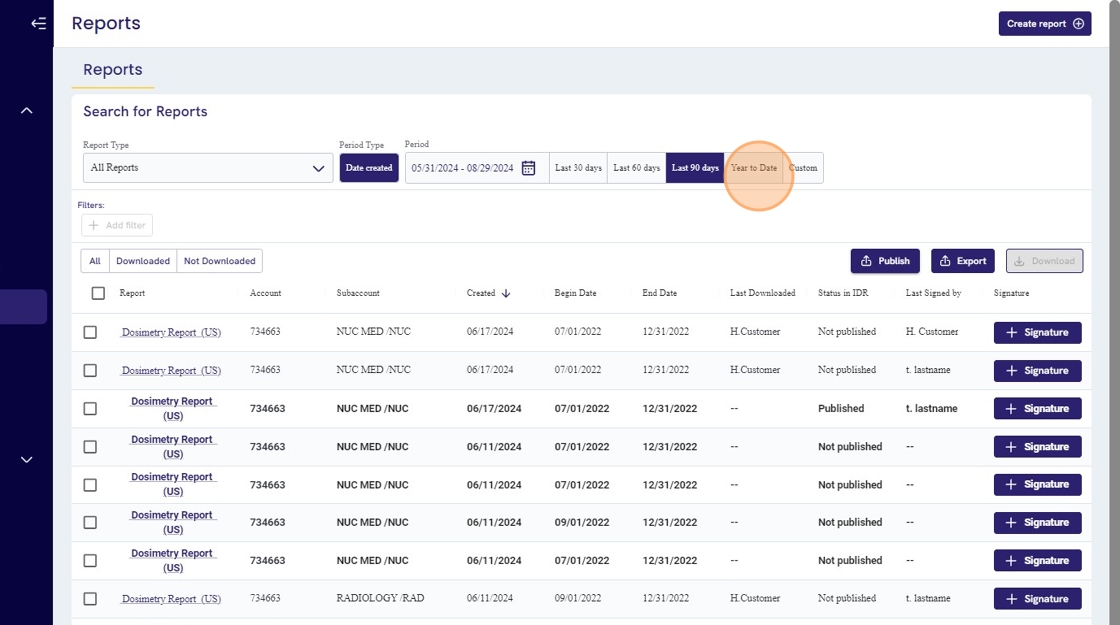
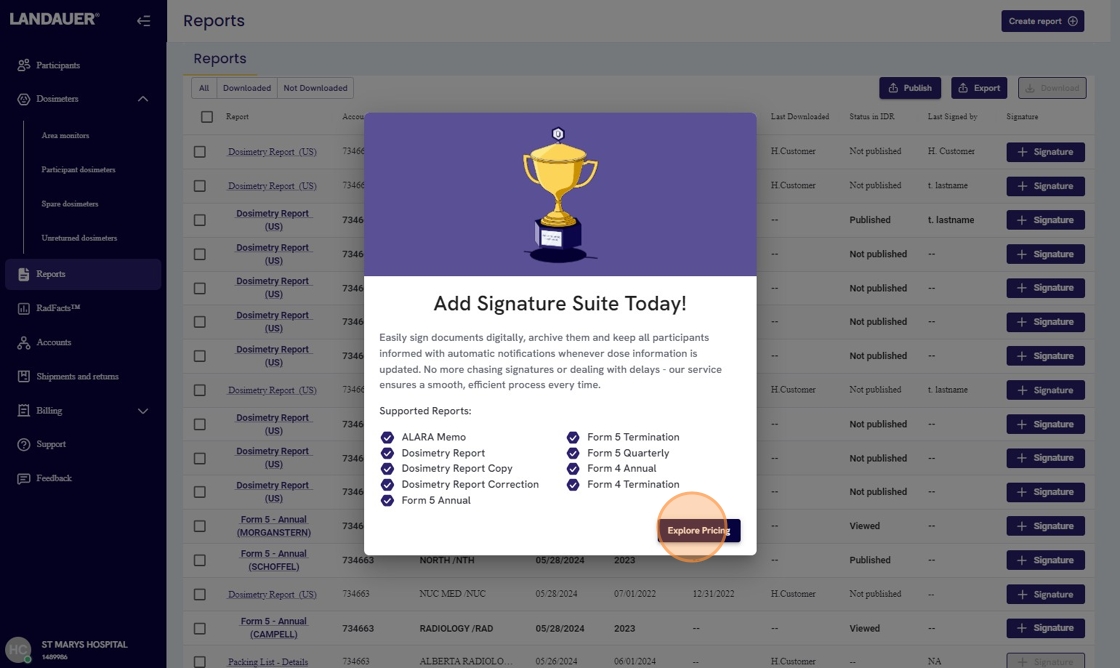
6. If your account is not subscribed to premium Signature Suite, click on "+ Signature" against that report

7. On the information screen, click "Explore Pricing"
8. On the subscription page, select your accounts that need signature and digital archival service.

9. Review charges estimate in summary section.

10. Check if you are authorized to make this purchase.

11. Click "Subscribe" to complete subscription and to send a proof of purchase notification to your RSO.

12. Back on the reports page, you can now start signing the eligible reports by clicking "Sign" (for reports that are already downloaded) or "View and Sign" (for reports that ain't downloaded yet)

13. Review the disclaimer before clicking "Sign"

14. Click on the signed report's name to preview your signatures

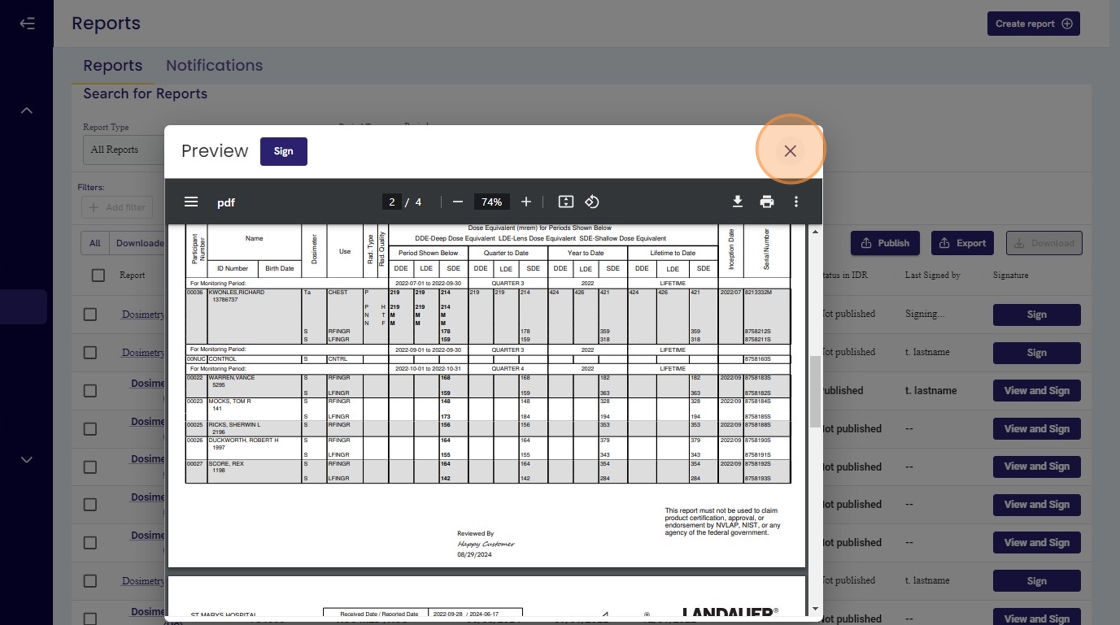
15. Review signatures at the bottom of the page, either in the predefined table or in the footnote. Click on "X" to close the preview page.